Regarding constraing bar
Printed From: CAD Forum
Category: EN
Forum Name: AutoCAD
Forum Description: Discussion about AutoCAD and AutoCAD LT, viewers, DWG and DXF formats, Design Review, AutoCAD web, Drive, add-ons
URL: https://www.cadforum.cz/forum_en/forum_posts.asp?TID=10569
Printed Date: 27.Oct.2026 at 00:49
Topic: Regarding constraing bar
Posted By: sachinbansude
Subject: Regarding constraing bar
Date Posted: 01.Aug.2014 at 12:17
|
Hi,
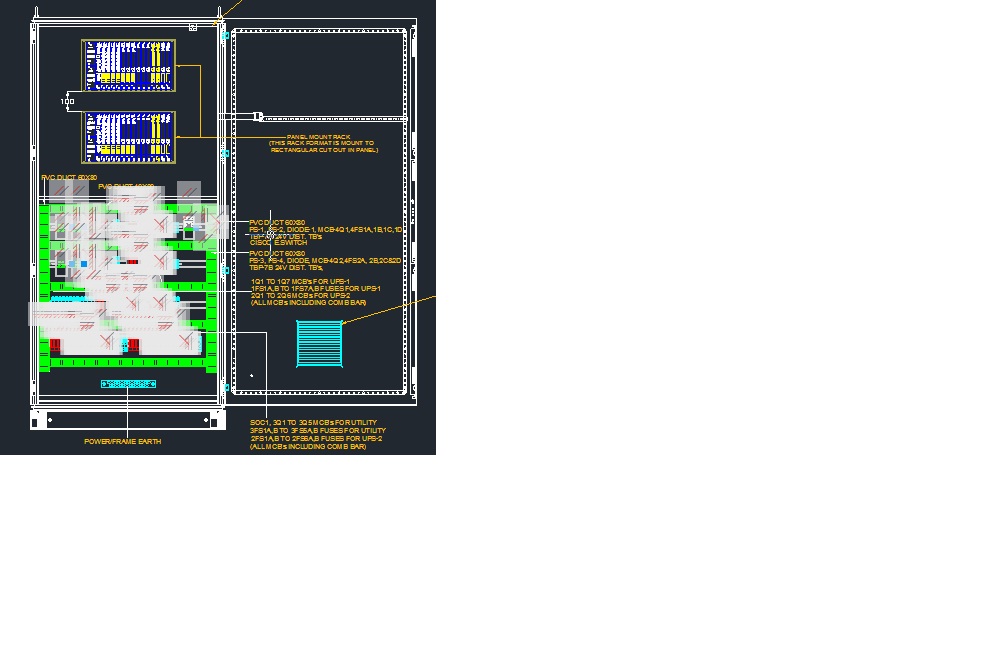
I am working on cabinet design & if I copy some items (item graphic) & pasting somewhere else it is showing so many constraing bars, now if I want to dele all the constraint bars at a time, so how to do that or how I can remove that constraint bars.
Please find attached snap shot for reference & provide the solution
 ------------- Regards, Sachin Bansude |
Replies:
Posted By: John Connor
Date Posted: 01.Aug.2014 at 12:42
|
To delete the constraints go to your Parametric tab and look on the Manage panel for the Delete Constraints command. To disable constraints altogether look on the task bar at the bottom left hand corner of your screen and click on the first icon. I believe that it is labeled Infer Constraints. It is either enabled or disabled. ------------- "Humans have a strength that cannot be measured. This is John Connor. If you are reading this, you are the resistance." <<AutoCAD 2015>> |