plot with scale help
Printed From: CAD Forum
Category: EN
Forum Name: AutoCAD
Forum Description: Discussion about AutoCAD and AutoCAD LT, viewers, DWG and DXF formats, Design Review, AutoCAD web, Drive, add-ons
URL: https://www.cadforum.cz/forum_en/forum_posts.asp?TID=11440
Printed Date: 17.Jul.2026 at 23:38
Topic: plot with scale help
Posted By: luchoab
Subject: plot with scale help
Date Posted: 27.Oct.2015 at 12:06
Hi,I am beginner in autocad and need some help ,please.I can't understand plotting with scale.Here in attached files I am showing what i am doing but there is any mistake I can't find.I prepared Model space to draw in centimetres and drew a line 40cm long.I prepared Layout at A4 and made a viewport.What I saw I think is wrong.A line 40cm long must be seen at scale 1:2 at A4 occuping 60% of the length of a paper A4 which is 29,4cm.What is wrong?Please help!   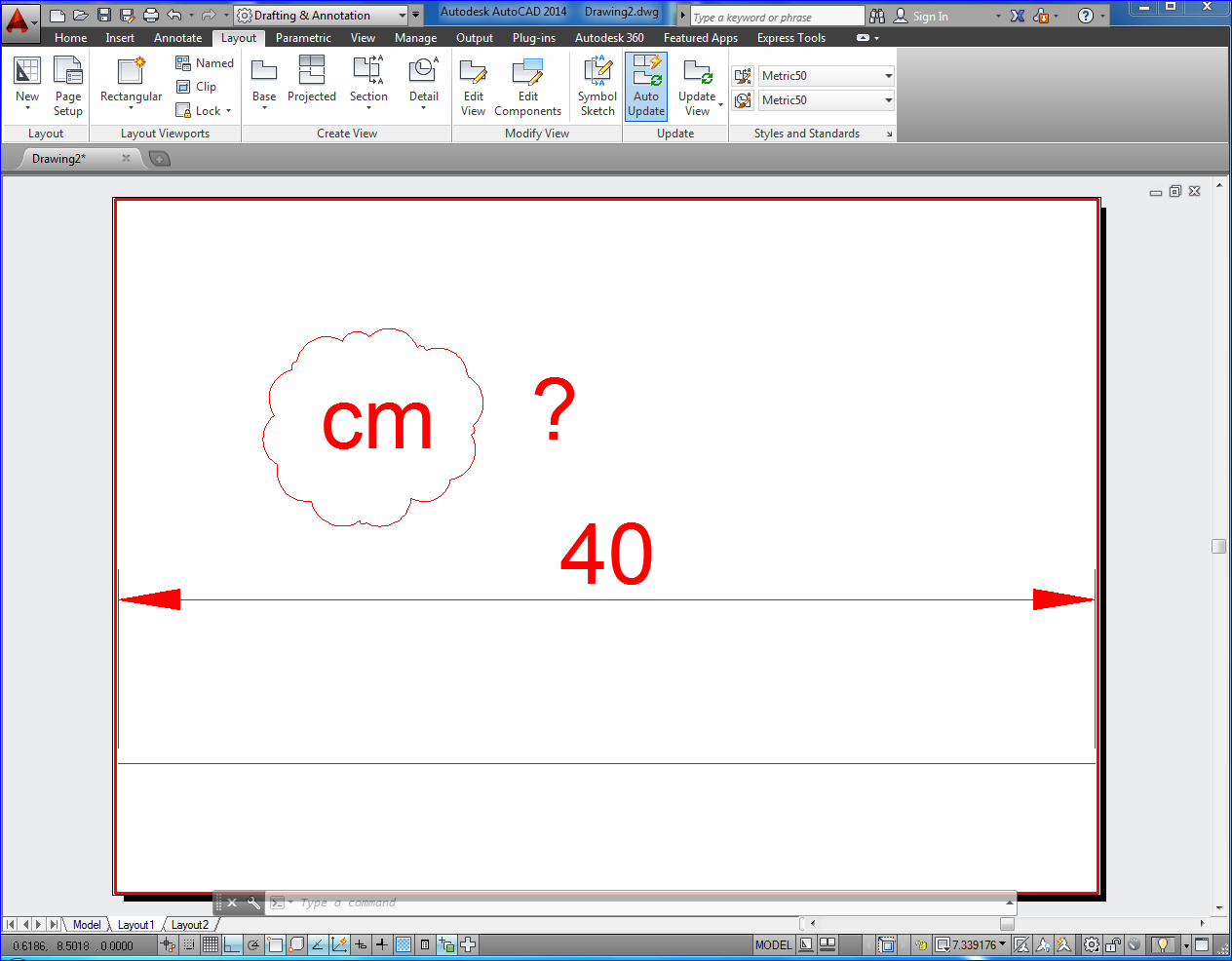 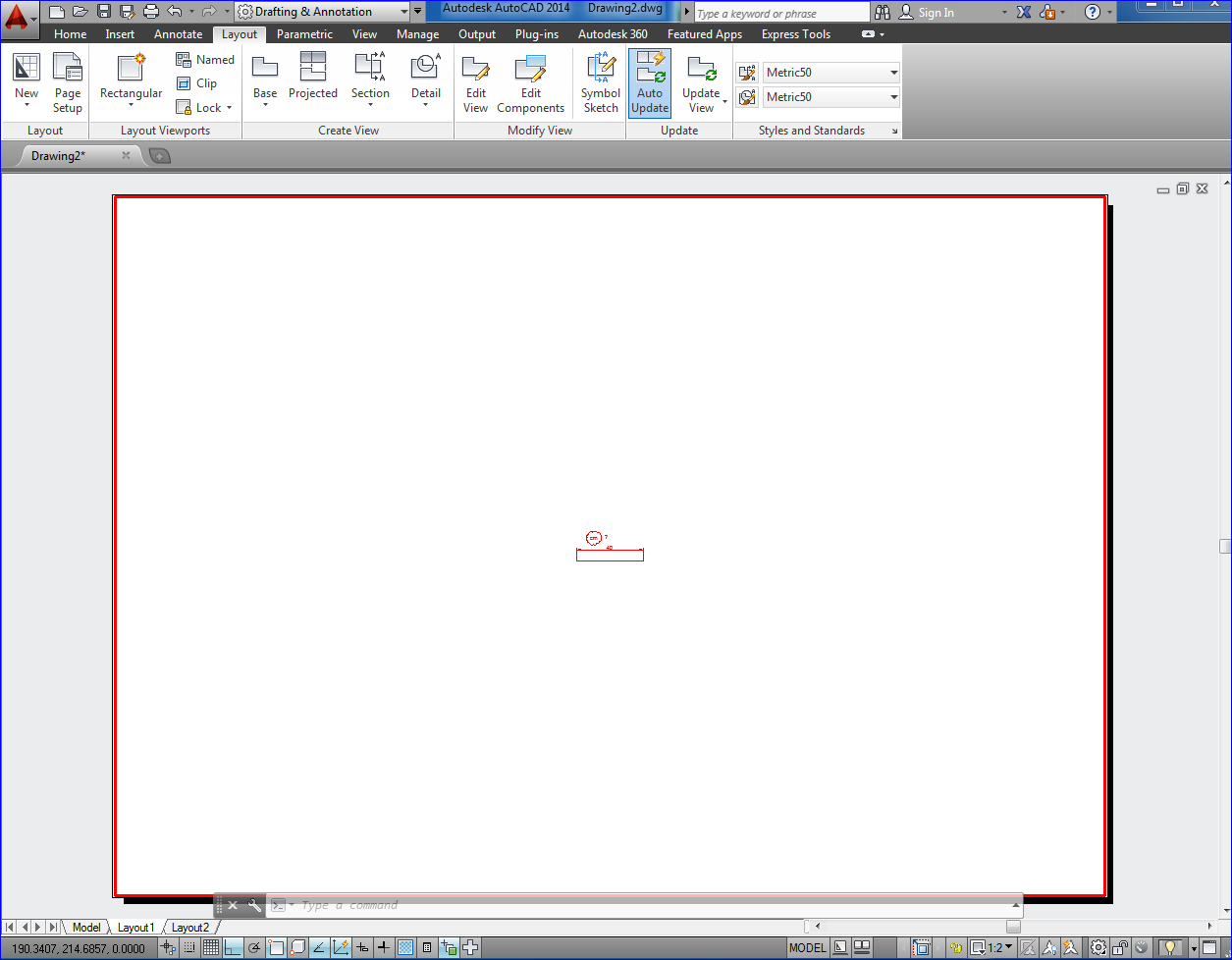
|
Replies:
Posted By: John Connor
Date Posted: 27.Oct.2015 at 12:43
|
Your drawing uses decimal units not metric units. That probably explains why you are having problems. Not sure why you decided to post here since your question was answered over at CADTutor. ------------- "Humans have a strength that cannot be measured. This is John Connor. If you are reading this, you are the resistance." <<AutoCAD 2015>> |
Posted By: John Connor
Date Posted: 27.Oct.2015 at 13:47
|
For anyone else that is interested if you run the -DWGUNITS command AutoCAD will show you what units the drawing is currently using and give you a choice (for all you metric users) to change from millimeters (the default setting for the acadiso.dwt drawing file template) to centimeters or even meters (as well as some others). Of course the OP would have to redraw his line because right now it is only 40 MILLIMETERS long not 400 (or 40 CENTIMETERS). ------------- "Humans have a strength that cannot be measured. This is John Connor. If you are reading this, you are the resistance." <<AutoCAD 2015>> |