Action icons piling up at origin point
Printed From: CAD Forum
Category: EN
Forum Name: AutoCAD
Forum Description: Discussion about AutoCAD and AutoCAD LT, viewers, DWG and DXF formats, Design Review, AutoCAD web, Drive, add-ons
URL: https://www.cadforum.cz/forum_en/forum_posts.asp?TID=11703
Printed Date: 03.Nov.2026 at 19:55
Topic: Action icons piling up at origin point
Posted By: BehzadCAD
Subject: Action icons piling up at origin point
Date Posted: 22.Mar.2016 at 05:22
|
Dear Reader, Thanks in advance for reading the topic. Prior to making the topic I have googled and spent hours to find the answer of this question. Question: When I open some of my blocks in block editor, I see all action icons piled up at origin 0,0 (Picture "Bactionmode is 1 A"). I try to move them to a better location for future editing (Picture "Bactionmode is 1 B"). I save the block but as I hover my cursor above icons, they change to empty boxes as they are in fact piled up at origin again (Picture "Bactionmode is 1 C") in which i have just hovered my cursor on top row of action icons. Does anyone know what is happening here? How to lock the icon in desired places while bactionmode=1? It is said somewhere in internet that "set bactionmode=0 and done" but this is not the proper answer. and here are the pictures: Bactionmode is 1 A 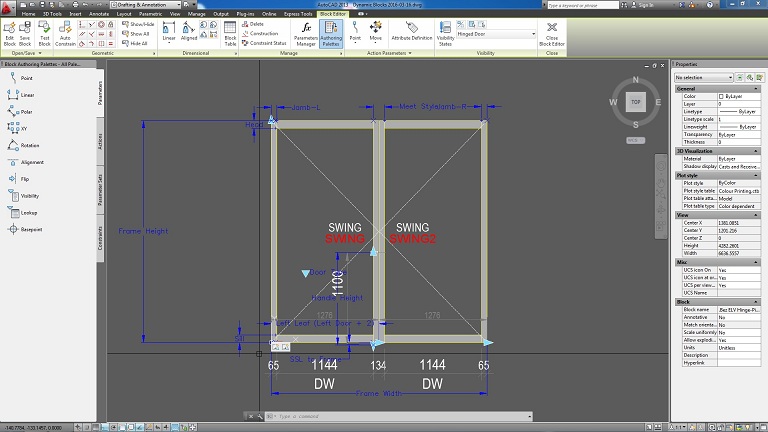 Bactionmode is 1 B 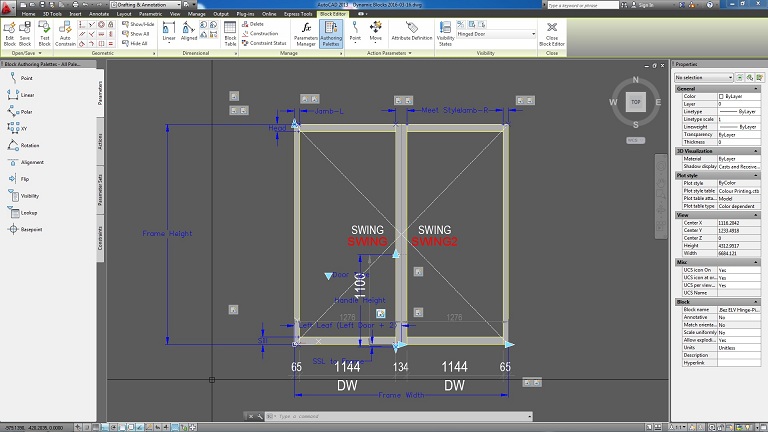 Bactionmode is 1 C 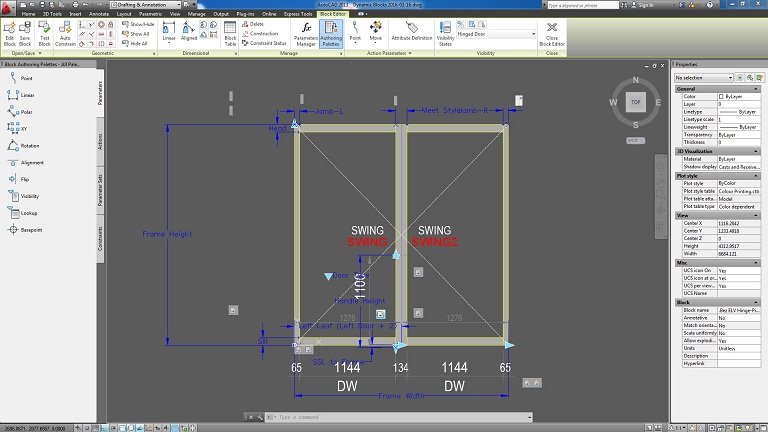 Bactionmode is 0 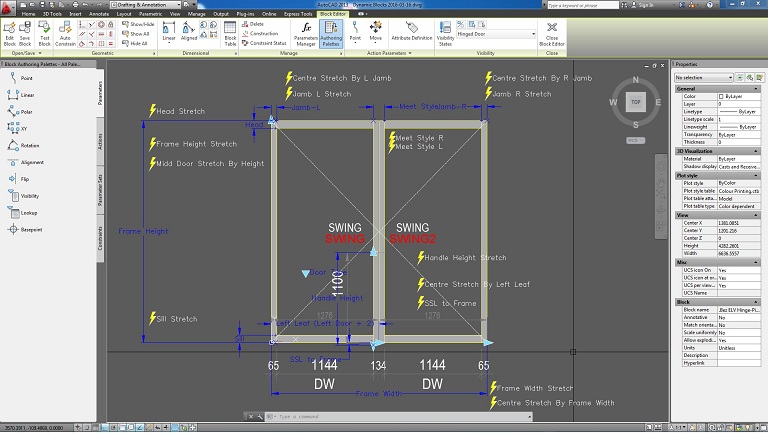 Thanks for reading  Kind regards, Behzad
|
Replies:
Posted By: BehzadCAD
Date Posted: 29.Mar.2016 at 00:27
| any ideas pleas? |