CAD Screen Format
Printed From: CAD Forum
Category: EN
Forum Name: CAD - general
Forum Description: General discussion about CAD, formats, standards, management, licensing, networking, harware, other CAD applications
URL: https://www.cadforum.cz/forum_en/forum_posts.asp?TID=12268
Printed Date: 29.Sep.2026 at 04:55
Topic: CAD Screen Format
Posted By: brinkmjm
Subject: CAD Screen Format
Date Posted: 22.Mar.2017 at 22:35
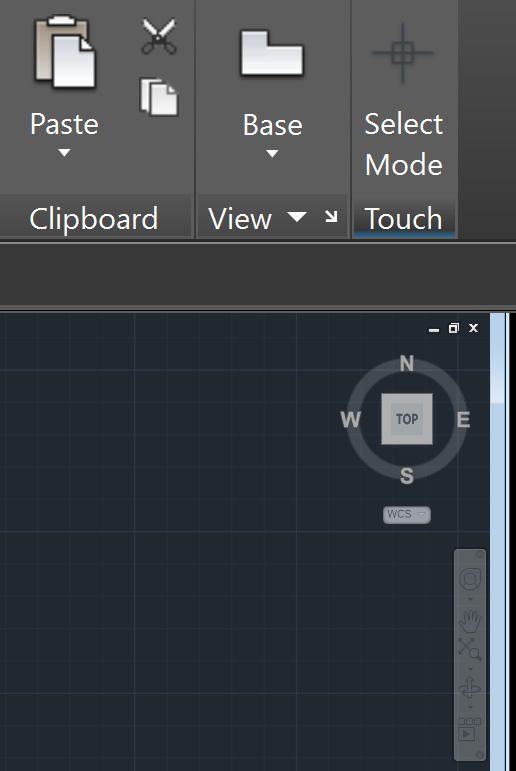 Hello, I wish to know how to change the size of the objects within the workspace screen. They are all extremely small on my laptop screen for some reason. Thank you, Justin Brinkmann
|
Replies:
Posted By: John Connor
Date Posted: 22.Mar.2017 at 22:54
|
Objects like what? ------------- "Humans have a strength that cannot be measured. This is John Connor. If you are reading this, you are the resistance." <<AutoCAD 2015>> |
Posted By: brinkmjm
Date Posted: 22.Mar.2017 at 23:01
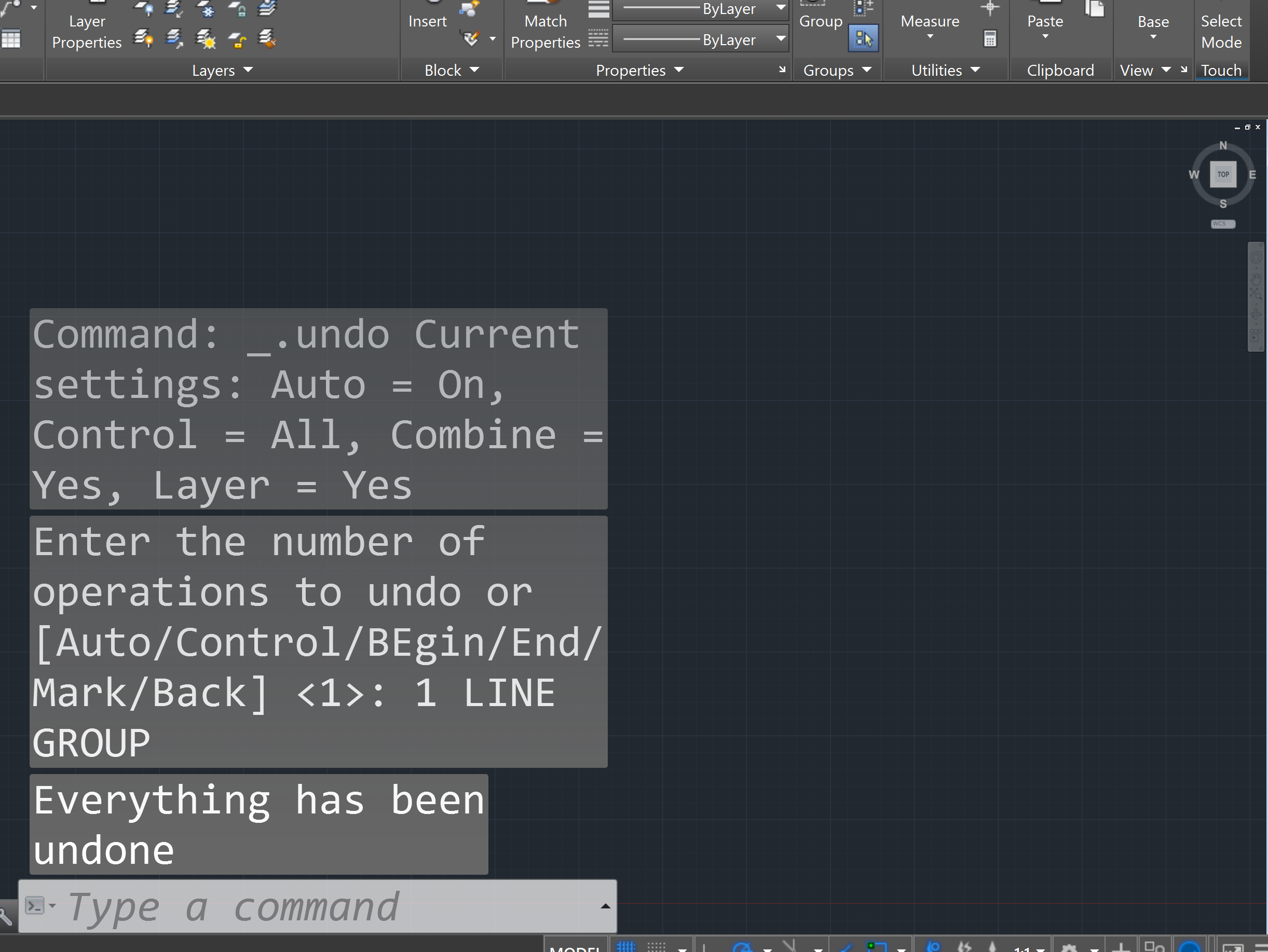 The command window and the tools in the top right.
|
Posted By: John Connor
Date Posted: 23.Mar.2017 at 10:29
|
What is your screen resolution set to? What version of Windows are you running? ------------- "Humans have a strength that cannot be measured. This is John Connor. If you are reading this, you are the resistance." <<AutoCAD 2015>> |
Posted By: brinkmjm
Date Posted: 23.Mar.2017 at 17:24
|
windows 10 3840 x 2160
|
Posted By: John Connor
Date Posted: 23.Mar.2017 at 17:49
|
I think that may explain it. Your screen resolution is too high. Try lowering the resolution to 2560x1440 and see if that helps. ------------- "Humans have a strength that cannot be measured. This is John Connor. If you are reading this, you are the resistance." <<AutoCAD 2015>> |