Making an object narrower
Printed From: CAD Forum
Category: EN
Forum Name: AutoCAD
Forum Description: Discussion about AutoCAD and AutoCAD LT, viewers, DWG and DXF formats, Design Review, AutoCAD web, Drive, add-ons
URL: https://www.cadforum.cz/forum_en/forum_posts.asp?TID=12948
Printed Date: 06.Sep.2026 at 05:50
Topic: Making an object narrower
Posted By: gergo77
Subject: Making an object narrower
Date Posted: 16.Sep.2018 at 13:39
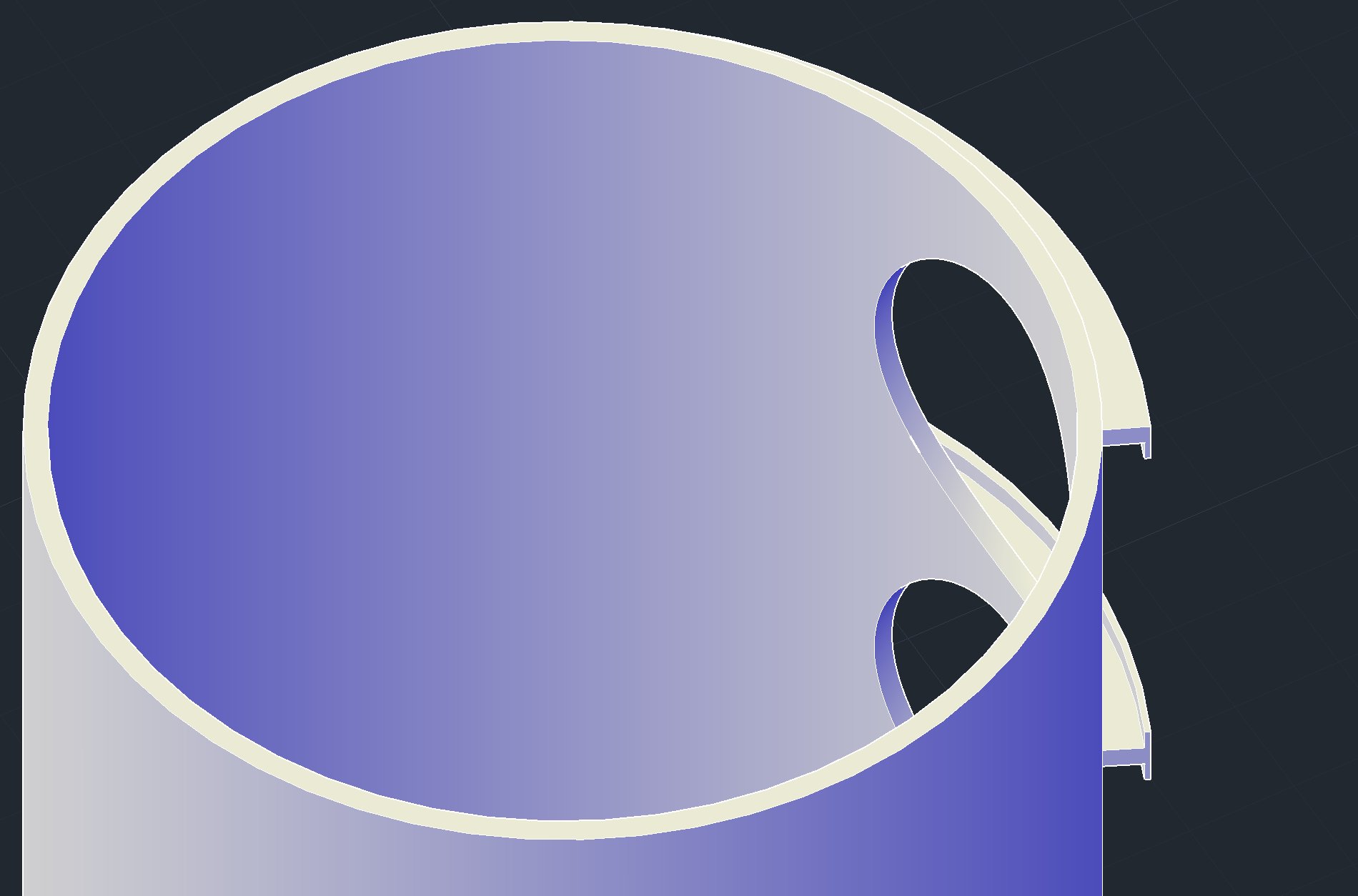 I have this object that I have to modify slightly. What command do I use to make the wall narrower?
|
Replies:
Posted By: philippe JOSEPH
Date Posted: 16.Sep.2018 at 16:27
|
Hello gergo77, if it's the internal diameter it will be a "simple" material removal with the command SUBTRACT. You create a cylinder of the desired internal diameter diameter, place it a the center of the initial cylinder and SUBRACT it from the initial. When you use the command you will first clic on the cylinder that will stay then clic on the cylinder to be taken out. If it's the external diameter it will be more difficult. If the two "U" and "I" profiles are unioned with the cylinder it will be more difficult because you will have to "save" them appart before acting on the cylinder. If they are not unioned with the cylinder just do a SUBTRACT on the cylinder with a sleeve with internal diameter = to the desired diameter and a larger external diameter the replace the two "U" and "I" profiles. Then you will have to extent the two profiles against the external diameter of the cylinder, ask how if needed. Eventually see my AutoCAD file : 3D SOLIDS 01.dwg in the CAD/BIM Blocks library here in the site, it explains the basic 3D commands. |