Circular Building
Printed From: CAD Forum
Category: EN
Forum Name: Inventor
Forum Description: Discussion about Autodesk Inventor
URL: https://www.cadforum.cz/forum_en/forum_posts.asp?TID=13316
Printed Date: 05.Sep.2026 at 19:37
Topic: Circular Building
Posted By: BigSid
Subject: Circular Building
Date Posted: 06.Nov.2019 at 12:51
|
HiIs there any way to get Inventor to generate a developed view of the wall of a circular building? We need a 2D drawing of the wall for installation of wall mounted equipment. Thanks
|
Replies:
Posted By: philippe JOSEPH
Date Posted: 08.Nov.2019 at 10:48
|
Hello bigsid, internet should be your friend, see below but if you "unwrap" a cylinder surface maybe you will get only a rectangle. What are the objects that you want to see, maybe the "impacts" of things fixed to that wall ? Maybe you will have to do "holes" in that wall to get something when unwraped. 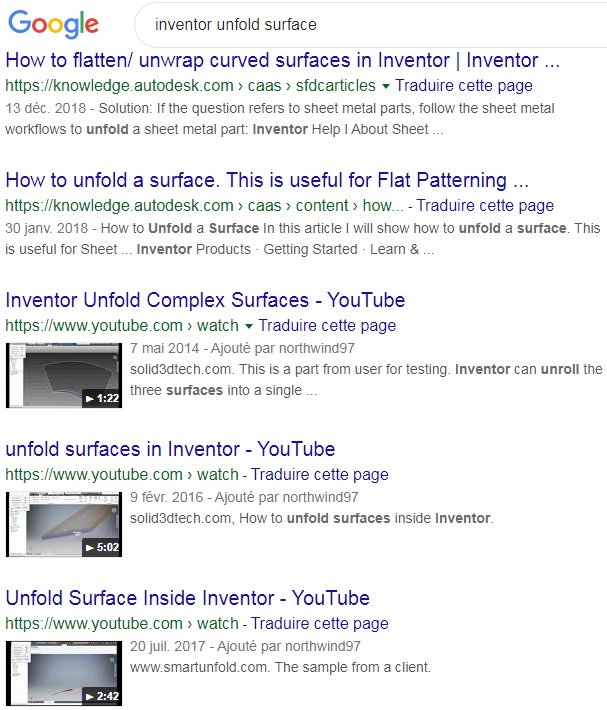 |
Posted By: BigSid
Date Posted: 19.Nov.2019 at 09:23
|
Hi Thanks for the reply. I ended up just drawing it out. I need to show the electrical installers where the panels etc. are being mounted and our mechanical modellers did not know / said it couldn't be done. Big Sid
|
Posted By: philippe JOSEPH
Date Posted: 19.Nov.2019 at 11:35
|
Hello Bisid, if you want a solid to be unfolded it's got to be modelized in a way that it will be unfoldable. For example a cylinder can be unfolded if you modelize the thickness and revolve it by 360° ( or 359.9999° on some softwares ). If you just draw 2 circles on their base and extrude them with a certain height it's not unfoldable.
|
Posted By: BigSid
Date Posted: 19.Nov.2019 at 11:39
|
Hi Philiippe I'm not sure how it was modelled as I don't use Inventor myself. I'll let our modellers know that technique. Thanks Big Sid
|
Posted By: philippe JOSEPH
Date Posted: 19.Nov.2019 at 14:20
|
Hello again Bigsid, just an other information to unfold solids. To get a correct unfolded object, for example a THICK cone with a "slash cut" that will give a flat sheet with bizare curves you must use the "neutral fiber" and modelize the thickness equal/equal on each side of it and then when unfolding it say that it's not thikness 100 mm for example but 0.1 mm so that you will have a correct flat sheet. I have experienced this when switching from 2D or 3D AutoCAD to Solidworks that was not giving correct results directly whith the "big" thikness. Now there is the Cad studio free LISP UnwrapRS ( that I haven't used ) but I used to do it with all that I got in 3D with AutoCAD, see eventually the CAD tip N° 12237 - unfold 3D surfaces to 2D in AutoCAD.
|