section elevation command
Printed From: CAD Forum
Category: EN
Forum Name: AutoCAD
Forum Description: Discussion about AutoCAD and AutoCAD LT, viewers, DWG and DXF formats, Design Review, AutoCAD web, Drive, add-ons
URL: https://www.cadforum.cz/forum_en/forum_posts.asp?TID=13329
Printed Date: 05.Sep.2026 at 00:03
Topic: section elevation command
Posted By: SURYA015
Subject: section elevation command
Date Posted: 26.Nov.2019 at 07:49
|
hai guys, I am surya. Actually i am working in cad draftsmen shall I discussing about autocad commands. In autocad 2016 & 2015 command "GENERATE SECTION/ELEVATION " If you clarify to usage of command to move on my work. anyone can you help to clarify my dought. Thanks & Regards, D.sai surya Mob.no. 7732020141 |
Replies:
Posted By: philippe JOSEPH
Date Posted: 26.Nov.2019 at 08:30
|
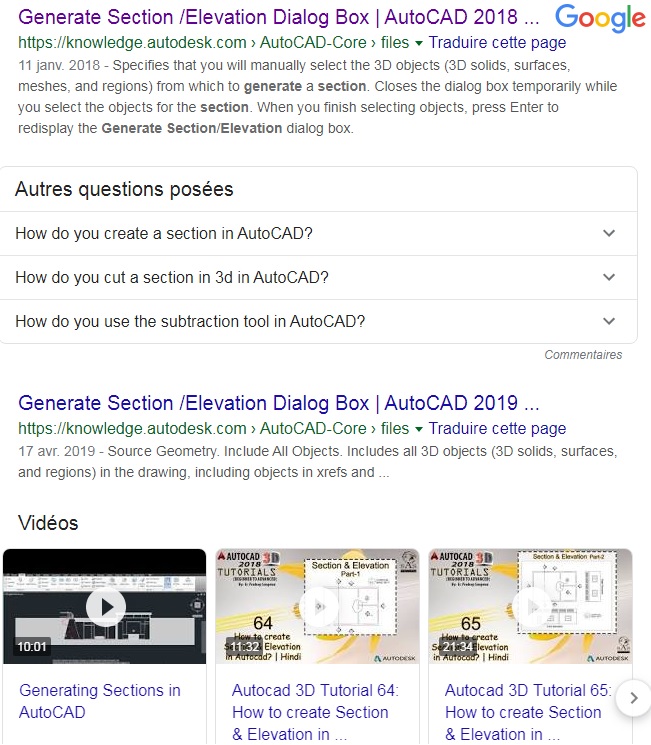
Hello SURYA015, launch a search on the internet with : AutoCAD generate section elevation and you will find tutorials and videos about it. If we are talking about 3D, eventually see my AutoCAD file here in the site : CAD/BIM Blocks , launch a search with : 3D SOLIDS 01.dwg and see page 2. 5-SOLIDS MODIFICATIONS , command SLICE and SECTION. Please tell me ( us ) if this helped or not. P.S. See also the tip N? 2672 : https://www.cadforum.cz/cadforum_en/qaID.asp?tip=2672" rel="nofollow - How to create 2D sections through a 3D model?
|
Posted By: philippe JOSEPH
Date Posted: 26.Nov.2019 at 08:40
|
Posted By: John Connor
Date Posted: 26.Nov.2019 at 13:52
|
One option would be to use the SECTIONPLANE command. ------------- "Humans have a strength that cannot be measured. This is John Connor. If you are reading this, you are the resistance." <<AutoCAD 2015>> |