classic/ribbon
Printed From: CAD Forum
Category: EN
Forum Name: AutoCAD
Forum Description: Discussion about AutoCAD and AutoCAD LT, viewers, DWG and DXF formats, Design Review, AutoCAD web, Drive, add-ons
URL: https://www.cadforum.cz/forum_en/forum_posts.asp?TID=13759
Printed Date: 25.Oct.2026 at 13:04
Topic: classic/ribbon
Posted By: waynelem
Subject: classic/ribbon
Date Posted: 29.Sep.2022 at 20:31
|
Using AutoCad 2014 with the classic menu and now being forced to up date to windows 10. Using a newer (2020) version I understand I can have the classic menu and close out the ribbon. Question can I customize the classic menu icons by adding or removing the icons like we were able to do in 2014? Thanks Wayne ------------- wayne |
Replies:
Posted By: waynelem
Date Posted: 30.Sep.2022 at 05:18
|
Is this something that can't be done? ------------- wayne |
Posted By: philippe JOSEPH
Date Posted: 30.Sep.2022 at 07:57
|
Hello wanelem, eventually the internet could be your friend. I have not tested because I did switch to the ribbon and also use my second hand to type the beginning of the commands and have a quick access to the rest at the screen. I also added some of my favorite commands shortcuts in the .PGP file ( added and not modified ). Please tell us if this worked for you. 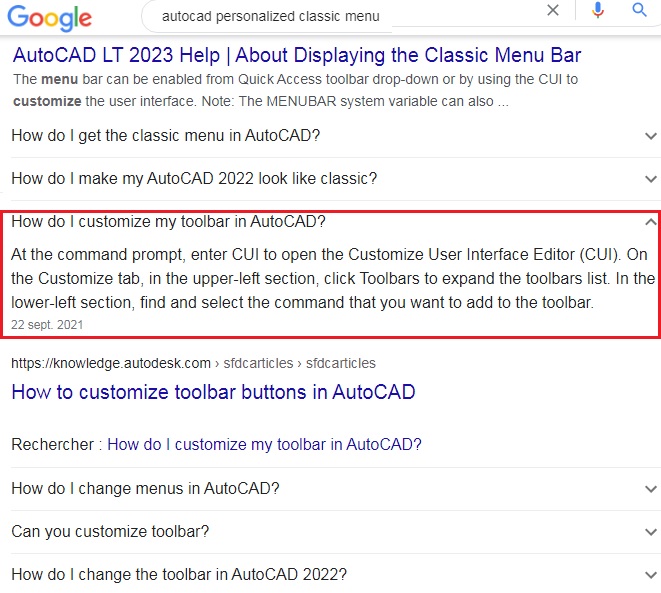 |