How to turn off parallel, right angle windows
Printed From: CAD Forum
Category: EN
Forum Name: AutoCAD
Forum Description: Discussion about AutoCAD and AutoCAD LT, viewers, DWG and DXF formats, Design Review, AutoCAD web, Drive, add-ons
URL: https://www.cadforum.cz/forum_en/forum_posts.asp?TID=14274
Printed Date: 21.Oct.2026 at 03:44
Topic: How to turn off parallel, right angle windows
Posted By: tokoko
Subject: How to turn off parallel, right angle windows
Date Posted: 15.Jun.2024 at 12:45
|
Please Tell me how to turn off parallel, right angle windows, when I select an object! 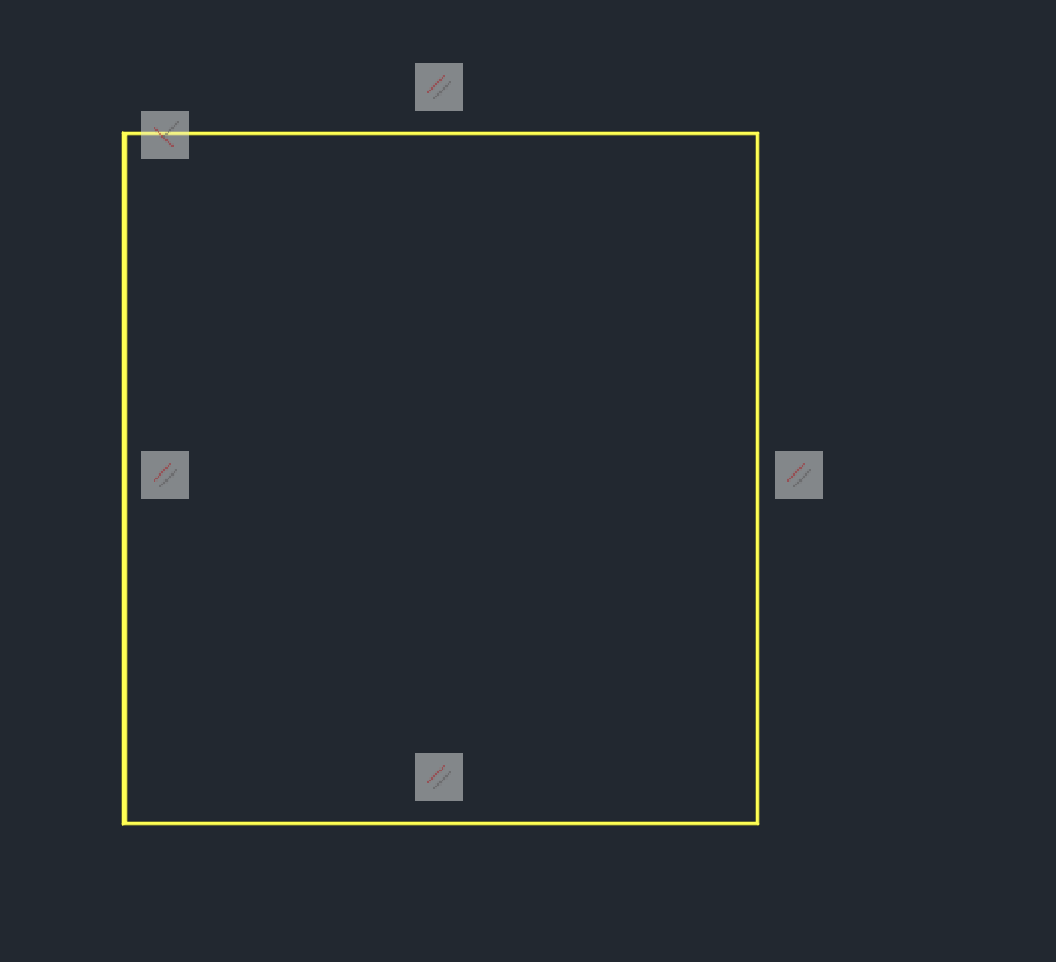 |
Replies:
Posted By: philippe JOSEPH
Date Posted: 16.Jun.2024 at 08:09
|
Hello tokoko, if I understand well you will have to delete the constrain with the DELCON command after having selected the constrains that you want to delete. Eventually see this on the internet ( internet is your frien ): https://www.autodesk.com/support/technical/article/caas/sfdcarticles/sfdcarticles/How-to-turn-off-and-delete-constraints-in-AutoCAD.html
|