Errors and Crash
Printed From: CAD Forum
Category: EN
Forum Name: CAD - general
Forum Description: General discussion about CAD, formats, standards, management, licensing, networking, harware, other CAD applications
URL: https://www.cadforum.cz/forum_en/forum_posts.asp?TID=9619
Printed Date: 28.Sep.2026 at 18:24
Topic: Errors and Crash
Posted By: crelph
Subject: Errors and Crash
Date Posted: 06.Sep.2013 at 19:45
|
I tried positing this to draftsight but there were problems during the process. The problem: When I try to move one line to meet up with another the following happens: first it does not connect to the original line when Esnap is on, then when I try to continue to move it nothing happens. Then I click the screen one more time and it starts shutting down with error messages. I would appreciate any help. Thank you in advance for your time. Pictures below 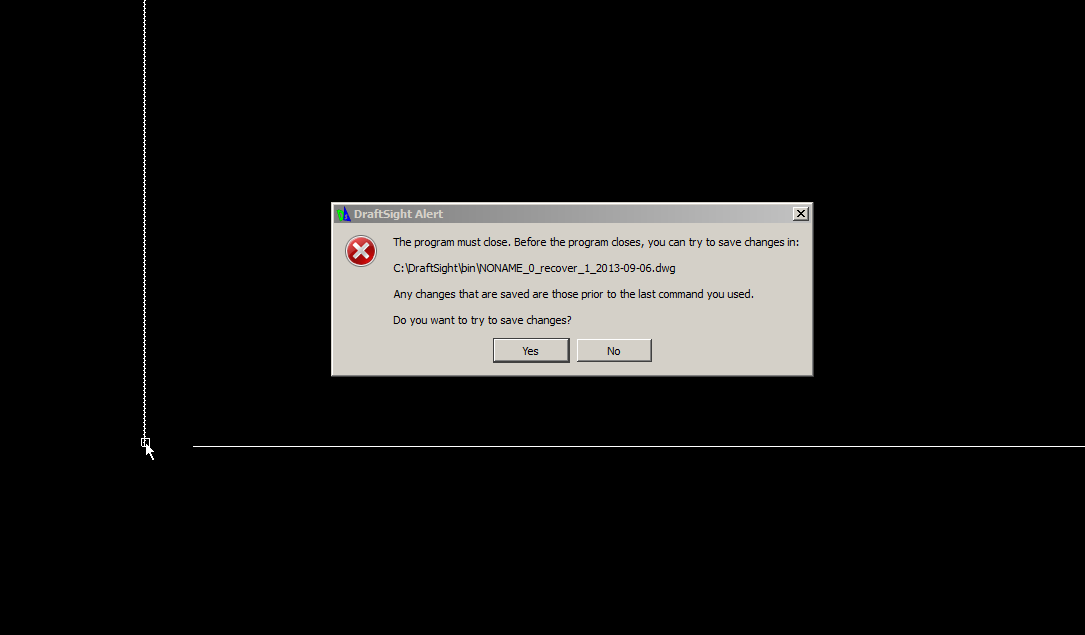 I said no, then: 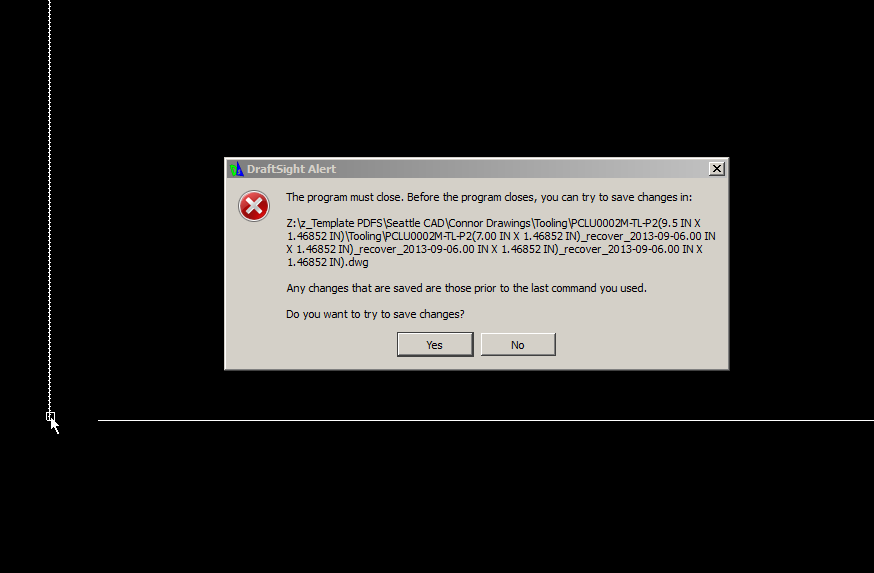 Basically saying it will save a recovery file, I said yes.  Then:  I am able to look at the report but I do not understand it because it is all code. Can I get some help please. ------------- Connor |
Replies:
Posted By: John Connor
Date Posted: 06.Sep.2013 at 21:42
|
The messages you have received do not give any hint as to what the cause of the problem might be so basically we have very little information to go on other than you were trying to move and object with ESnaps enabled and it failed. Was this a fairly complex drawing (lots of objects)? What else was up and running on your computer when the problem happened? Did you recover the drawing then reopen it? If so what happened next? Is the problem repeatable in the same drawing? Is the problem repeatable in a new drawing? ------------- "Humans have a strength that cannot be measured. This is John Connor. If you are reading this, you are the resistance." <<AutoCAD 2015>> |
Posted By: crelph
Date Posted: 06.Sep.2013 at 22:22
|
Not Complex at all. Only a couple websites,my email and a couple search bars. I was able to recover the document but I could not connect two line segments together. The problem is repeatable on the same drawing, no matter how many times you try. I even shut down the computer but it did not help. It happens in multiple different drawings. The measurements for both lines are the same, meaning by the measurements they are the same, but there is a gap when you zoom in. Which would not be a problem if I could move them together. Is that better information? ------------- Connor |
Posted By: John Connor
Date Posted: 07.Sep.2013 at 12:26
|
If it happens in almost any drawing you are working in then I would suspect a problem with the installation. The only other possibility that I can think of would have to do with your technique. Remind us again as to your background using CAD programs. ------------- "Humans have a strength that cannot be measured. This is John Connor. If you are reading this, you are the resistance." <<AutoCAD 2015>> |
Posted By: crelph
Date Posted: 09.Sep.2013 at 16:08
|
I am very familiar with this product-Draftsight. ------------- Connor |
Posted By: John Connor
Date Posted: 09.Sep.2013 at 18:29
|
Then it is a bad install or you files are being corrupted somehow. ------------- "Humans have a strength that cannot be measured. This is John Connor. If you are reading this, you are the resistance." <<AutoCAD 2015>> |