![CAD Forum - tips, tricks, discussion and utilities for AutoCAD, Inventor, Revit and other Autodesk products [www.cadforum.cz]](../common/arkance_186.png "CAD Forum - ARKANCE Community - tips, tricks, discussion and utilities for AutoCAD, Inventor, Revit and other Autodesk products [www.cadforum.cz]")

 What is the ARKANCE Community?
 CAD tip # 7147:
Question
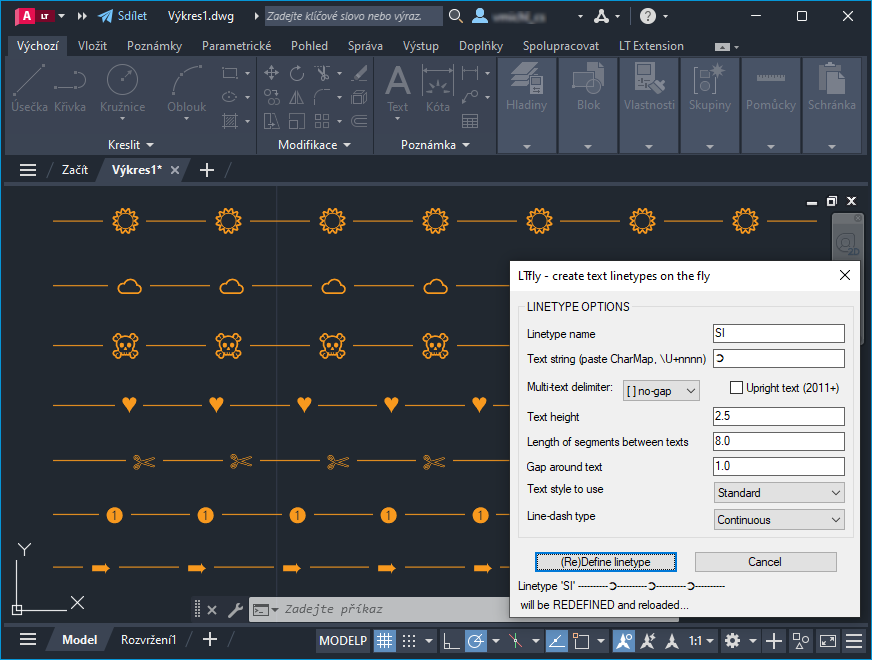
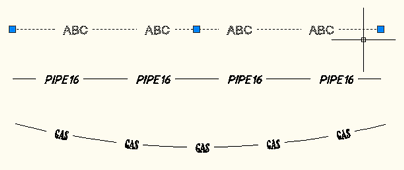
Just start LTFly with the LTFLY command and type the desired text or special character(s). The new linetype containing your text string will be created automatically and you can immediately use it in the current drawing.
The embedded text will use the current text style so make sure the same text style is available in other drawings if you want to use this linetype definition there. You can export the .LIN definition (file) using the LinOut utility.
The newly created linetype is named accordingly to the embedded string. If this name cannot be used (special characters), a random name combined with your username will be applied.
Since version 1.3 you can also create linetypes with multiple texts (individual words) - just enter dot "." on the first prompt.
Since version 1.4. you can use the following options for multi-segment texts (e.g. per characters): "-" (with line segments), "." (with dots) or "," (just spacing between characters/segments). So you can better follow arc segments.
Since version 1.5 you can also create linetypes with texts containing double-quotes, like 1/2" WATER.
Since version 1.6 you can use the dialog version LTFLY or the older text version -LTFLY.
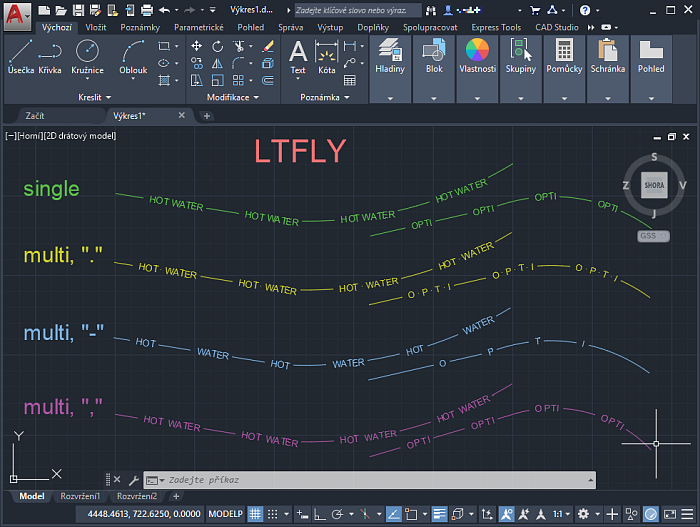
Compare the pink linetype using segmented text ("W A T E R") with the yellow, one-word type or the light green, three-word type - especially in arcs:

Video - loading and basic usage:
Video - using LTFly:
Please note there could be a maximum of 12 code groups in the linetype definition so if the definition file fails to load, it is probably cased by this.
You can download the free LTfly utility from  Download
Use (setq _LTFLY_DoNotUseU T) to avoid absolute alignments.
LTfly works also in AutoCAD LT (2024, 2025 and higher).

 *CAD
*CAD







