![CAD Forum - tips, tricks, discussion and utilities for AutoCAD, Inventor, Revit and other Autodesk products [www.cadforum.cz]](../common/arkance_186.png "CAD Forum - tips, tricks, discussion and utilities for AutoCAD, Inventor, Revit and other Autodesk products [www.cadforum.cz]")
CAD FORUM - TIPS & TRICKS | UTILITIES | DISCUSSION | BLOCKS | SUPPORT | HELP & ASSISTANCE

Over 1.110.000 registered users (EN+CZ).
AutoCAD tips, Inventor tips, Revit tips, Civil tips, Fusion tips.
The new Beam calculator and Spirograph generator in the Converters section.
 CAD tip # 10059:
Question
A
There is an alternative way of viewing CAD files using the cloud service Autodesk A360 Team (much safer than e-mails) and use its embedded viewer to view and share documents instead of using e-mails.
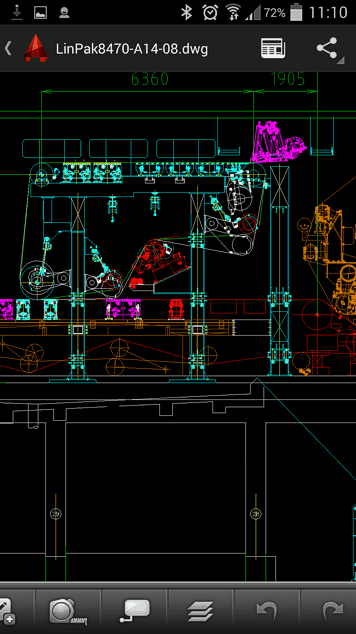
But you can also directly view DWG and DXF e-mail attachments. You just need to install the free mobile application AutoCAD 360 (for Android or iOS - depending on the type of the mobile phone or tablet). E-mail attachments (both DWG and DXF) will be then directly opened in your local mobile AutoCAD (you don't need to care about the underlaying cloud service) and - beside interactive viewing - you can also edit and markup 2D CAD drawings on your smartphone.
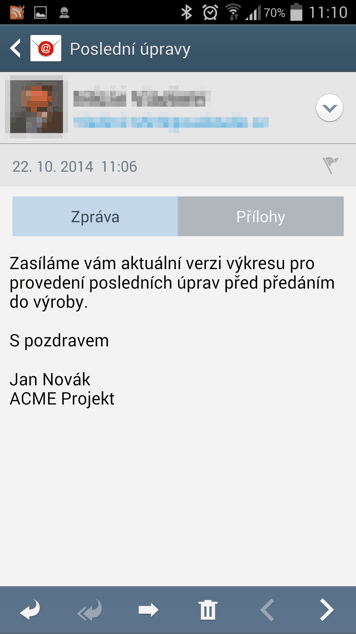
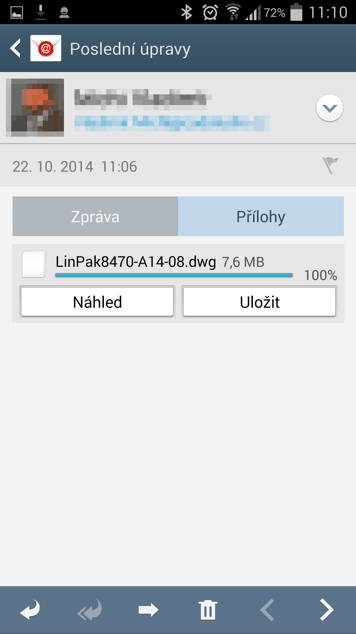
An example - incoming e-mail with a DWG attachment (in Czech: Zprava=Message; Prilohy=Attachments; Nahled=Preview):
Opening the attachment in AutoCAD 360 (tapping on the Preview button):
ACAD360DWG

 Android,IOSCAD
22.10.2014
18307×



CADforum
Tips, tricks, utilities, help, how-tos and FAQ for AutoCAD, LT, Inventor, Revit, Map, Civil 3D, Fusion, Forma, 3ds Max and other Autodesk software (community support by ARKANCE). See About CADforum.
Copyright © 2026 | Advertise with us | Online privacy